
1. Introduction
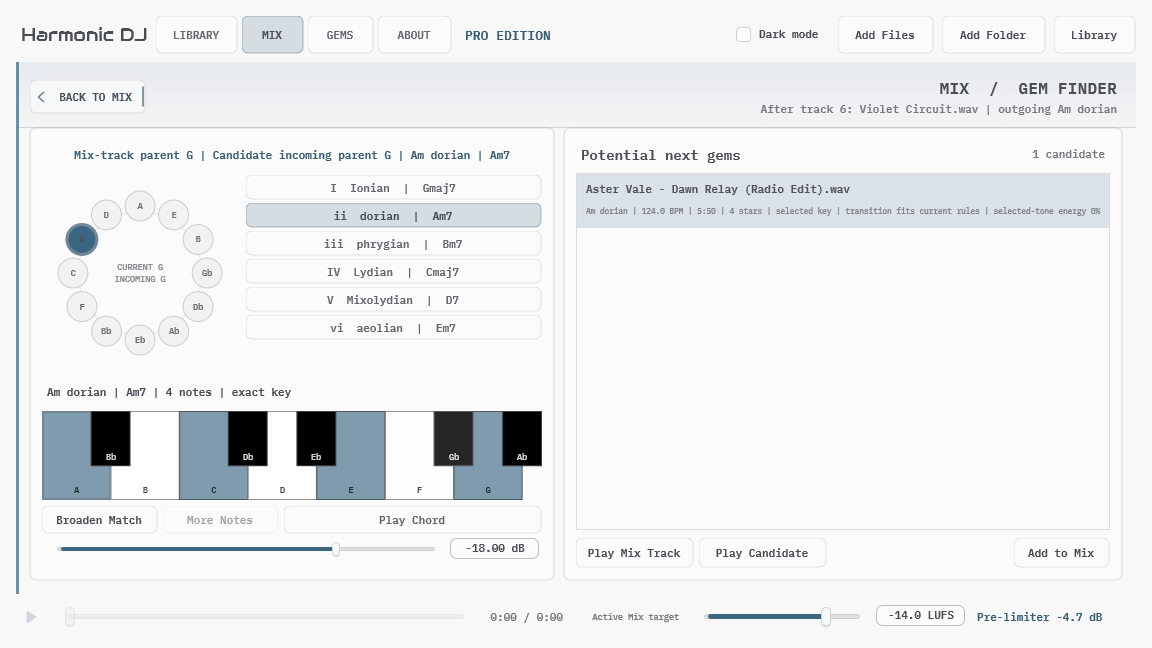
APU Harmonic DJ analyzes a local music library and helps turn it into directed transitions and complete tracklists. It combines key and BPM detection with modal relationships, full harmonic evidence, gain guidance, and the transitions you personally save as Gems.
The basic workflow is simple: add music to the Library, create or generate a Mix, audition the transitions that matter, and save the strongest directed pairings as Gems. Harmonic DJ can do the routine searching while leaving the final musical decision where it belongs: with the listener.
Harmonic DJ is local-first. Audio analysis and audition happen on your computer. Shared collections contain path-free metadata and analysis rather than commercial audio, and a Mix document does not contain the audio files referenced by its tracklist.
Start with Getting Started for a first tracklist using the release defaults. The later sections explain how to refine a Mix, use Gem Finder, create custom transition profiles, and exchange metadata with another Harmonic DJ user.